A library that fills
itself
Point at a video, a recording, a document, a web page or a block of text, and it comes back as a structured note.
No credit card required.
 YouTube
- Video
 Audio
Audio- Files
- Webpage
- Long Text
What goes in
The material you already learn from
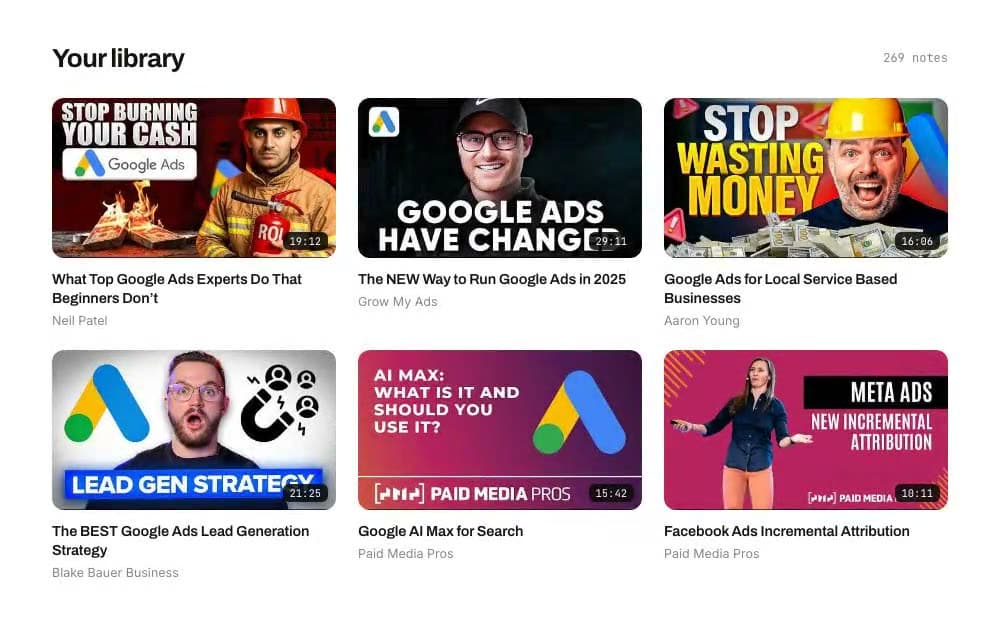
A talk, a walkthrough, a teardown — the things you meant to come back to and never did. Each one is kept with its creator, its sections, and the point in the recording each section came from, so what builds up is a working library you can question instead of scroll.
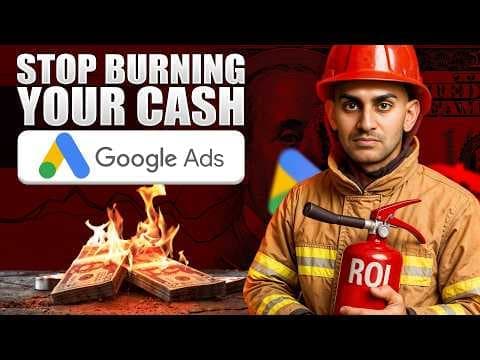 19:12
19:12What Top Google Ads Experts Do That Beginners Don’t
Neil Patel
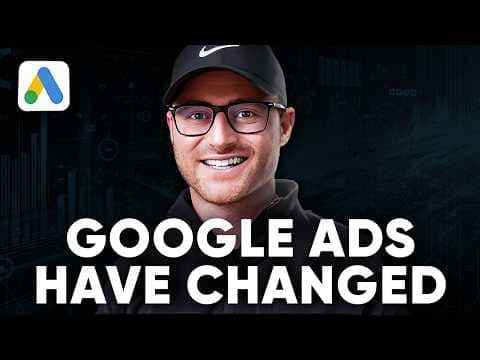 29:11
29:11The NEW Way to Run Google Ads in 2025
Grow My Ads
![Google Ads for Local Service Based Businesses [2025]](/_next/image?url=%2Flanding%2Fcard-local-service.jpg&w=1080&q=75) 16:06
16:06Google Ads for Local Service Based Businesses [2025]
Aaron Young
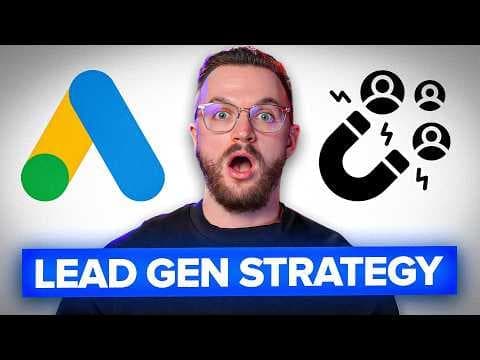 21:25
21:25The BEST Google Ads Lead Generation Strategy for 2025
Blake Bauer Business
 15:42
15:42Google AI Max for Search
Paid Media Pros
 10:11
10:11Facebook Ads Incremental Attribution
Paid Media Pros
Source to note
How a source becomes a note
One capture screen, a document rather than a digest, and both of them filed and connected without you doing the filing.
There is a single capture screen with six kinds of source on it: YouTube, Video, Audio, Files, Webpage and Long Text. Paste a YouTube link and it works out for itself whether you have handed it one video, a playlist or a whole channel.
- Six source tabs behind one screen, so there is one place to remember
- A pasted link resolves to a video, a playlist or a whole channel on its own
- Local media uploads first, then the returned path is named
Choose what you want back — a summary, a detailed analysis, a quiz, the code or the transcript — and how deep to go. Long sources are read part by part and stitched into one document with a real table of contents, headings, tables and named frameworks.
- Five note types: summary, detailed analysis, quiz, code, transcript
- Long sources are read part by part and stitched into one document
- Sections of a recording are anchored to the timestamp they start at, and the marker seeks the video there
Categories, entities and topics are pulled out as the note is written and matched against the ones you already have, so one idea does not end up filed under four near-identical names. That is what the library filters run on.
- Categorised as it lands, with the tools and platforms it mentions pulled out
- Matched against the names you already have, so nothing fragments
- No tagging step, and no folders to maintain
Connections links notes through the ideas they share, and every concept gets a page of its own gathering everything that touches it — so a claim you met in one place turns up again the next time it matters.
- An interactive graph over the notes you have
- A page per concept, gathering everything that touches it
- A claim met once turns up again the next time it matters
And then
It keeps filling without you
Follow
The next one arrives on its own.
Subscribing to a channel registers it, and new uploads are found and turned into structured notes for you — the same notes you would have got by pasting each link in yourself, minus the pasting. People you follow on LinkedIn work the same way, and the person you followed gets a page of their own that you can put questions to.
Bounties
Somebody has already done the looking.
Bounties is a standing list of particular videos, each one put there on purpose and filed under a topic, drawn from a wide spread of channels rather than a favoured few. Pick one and the note is generated for you and arrives in your library, structured like everything else in it: the same sections, the same table of contents, the same markers back into the recording.
The boundary
Yours, and private by default.
Nothing you save is visible to anyone else. A note is private the moment it is created, there is no rule anywhere that lets another account read it, and publishing one is a separate, deliberate act. We do not use your content to train AI models, and we do not sell your personal data.
 Google AI Max for Search2h ago
 The NEW Way to Run Google Ads9h ago
 The BEST Lead Generation Strategyyesterday
Start with one link. Everything after that is the library building itself.
Point at the first thing you meant to come back to. What comes out is a document you can question, and every answer keeps the link to where it came from.
No credit card required.